What you'll end up with
A P&L page showing, for any month or for the tax year (6 April to 5 April), what you sold for, what those items cost you to buy, what you spent on parts, what eBay took in fees, and the net. It's the page you open when someone asks "is this actually making money?", and the one you'll want at tax-return time.
Steps
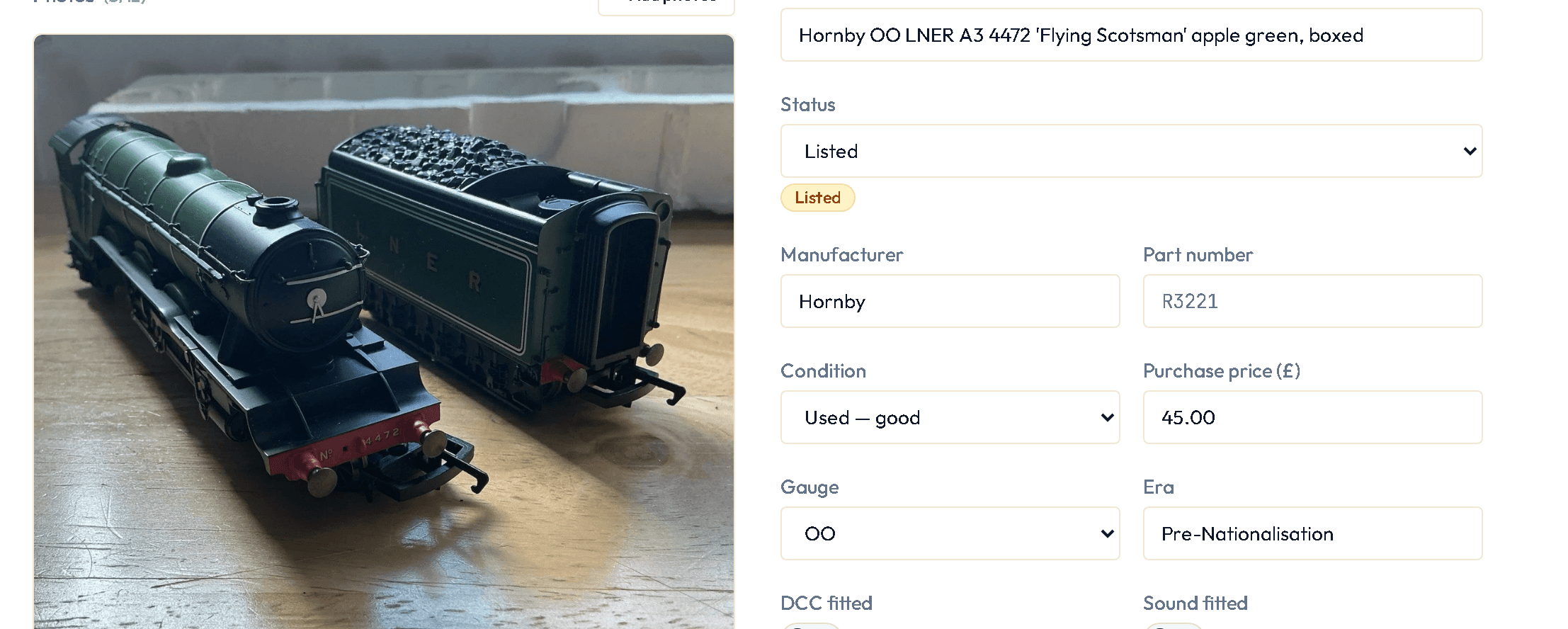
- Make sure your items have a purchase price. Imported items don't (eBay doesn't know it); open each one and add it, or record the job lot you bought and let Stashery split the cost across the items in it.
- Record sales by syncing (see Keep eBay and Stashery in step) and completing Sale outcome for each sold item — that's where the postage you paid goes in.
- Open P&L. Choose Calendar month or UK tax year, and the period.
- Read down: Sales (what buyers paid), Purchase cost of the items sold, Parts consumed in repairs, eBay fees, Postage, and the Net.
- Use Import sales history (Settings › Data) once, soon after joining — eBay lets Stashery reach back about 90 days, so the earlier you do it the more of the year it covers. After that, syncing keeps it topped up.
What you'll see
The fee line uses the fee model for your seller type — private sellers and business sellers are charged differently by eBay, and Stashery reads which you are from your eBay account. If an item was sold from a job lot, its purchase cost is the share you allocated to it.
Next on the roadmap: stock you bought on eBay and your expenses, shown on the P&L beside the net.
If something goes wrong
- The net looks too good.
- Almost always missing purchase prices — the sales are counted but the costs aren't. Catalogue → filter Sold → look for "purchase price unknown".
- A sale is missing.
- Sync first. If it's a sale older than 90 days from when you first imported history, eBay no longer provides it; you can add it by hand on the item's Sale outcome.
- Fees don't match my eBay invoice exactly.
- Stashery's fee line comes from eBay's own transaction records where it has them, and from the fee model where it doesn't yet. Promoted-listing ad fees appear once the sale has settled on eBay's side.
- A refunded sale still counts.
- From v0.8.0 the dashboard is net of refunds you have recorded; the P&L page will follow (until then it says refunds aren't deducted there yet).
- I need this as a spreadsheet.
- Your Collection exports to Excel and prints a valuation PDF (Collection → Download spreadsheet (Excel) or Download valuation (PDF)). A P&L export for the accountant is on the roadmap.